

Skip to content
OneHall

How it works together

Four products that pass work on.

14 links exist between them today. Below is every one of them, what to look for in the product, and — where we could record it — the demo of that exact handover. Everything you see is sample data from the OneHall demo sandbox.

How they work together

We do not claim that everything talks to everything. These are the places where one product hands work to another today — each switched on only when you hold both products, and each one you can watch happen.

The HubOneHall ChatOneHall ProjectsOneHall PeopleOneHall Finance

Choose a link to read what it does and what to look for.

The Hub OneHall Chat

Each link is one listener or one shared read in the code. There is no general rules engine behind them. See the stories they add up to

Your turn

Take a project to a paid invoice yourself. About thirty seconds.

Seven real screens, and one thing to click on each. It crosses three products and never asks you for anything. When you reach the end, the same thing is waiting in the live demo with your own data in it.

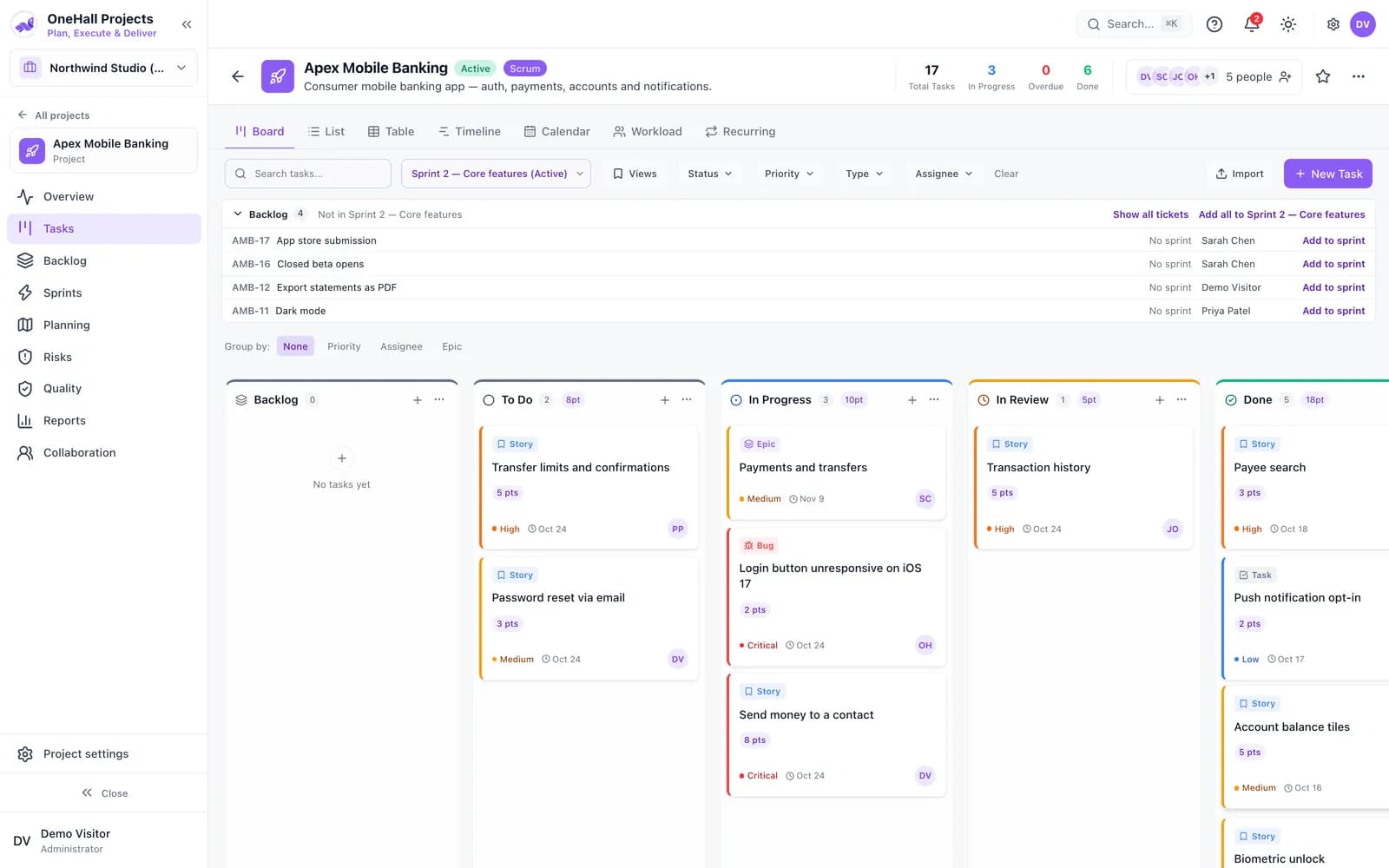
Open the ticket people are working on. The sprint board. Points and counts move with the ticket.

OneHall Projects

Open the ticket people are working on

The sprint board. Points and counts move with the ticket.

The stories they add up to

Five days that usually take four tools and a spreadsheet.

Nobody spends Monday morning adding one person to five tools.

A new hire’s first day

One invitation puts a new person where they need to be in every product you hold.

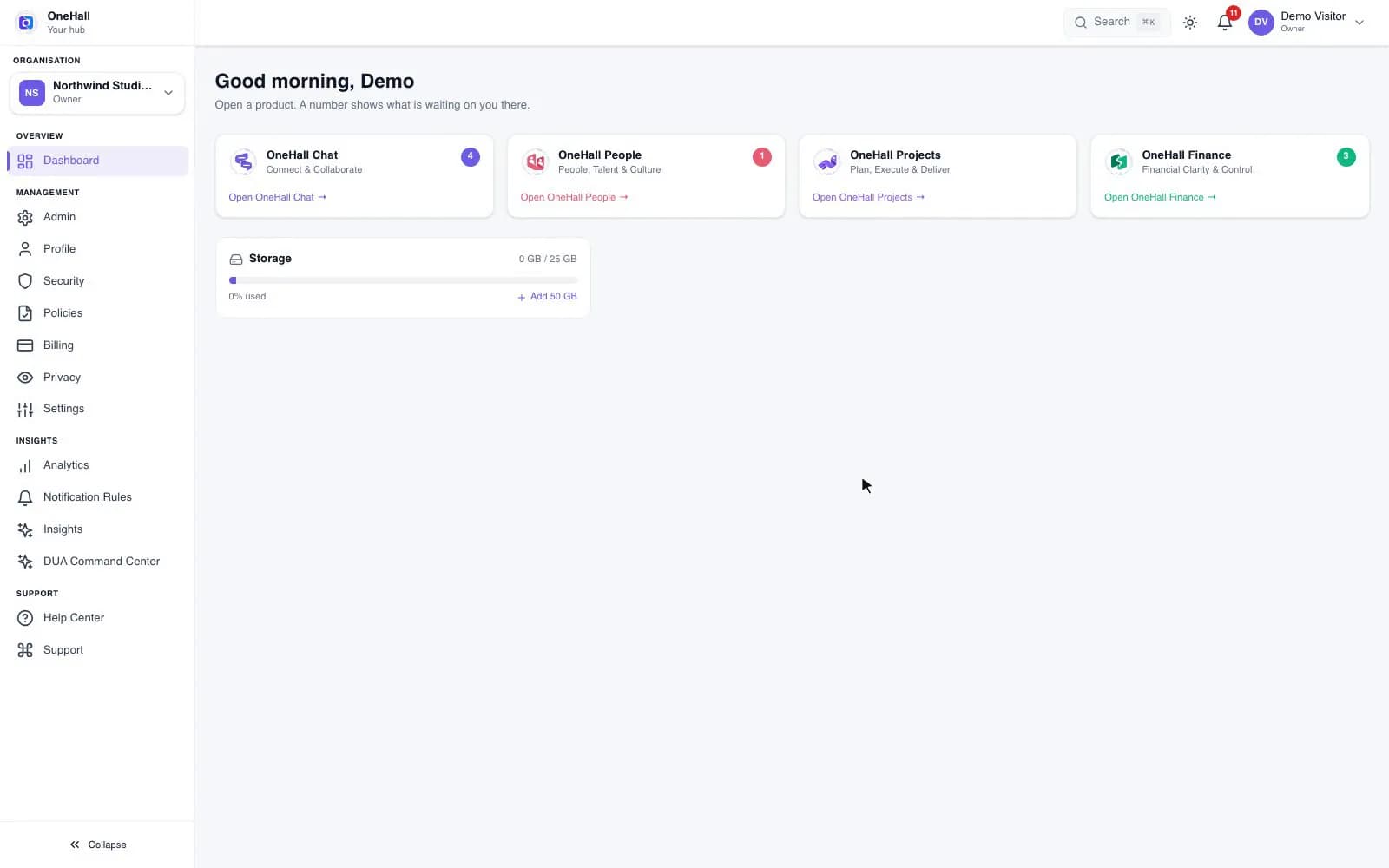
The Hub counts what is waiting on you in each product

Sample data, recorded in the OneHall demo sandbox · 8.7s · no sound
What happens in this demo

The Hub dashboard shows a card for OneHall Chat, OneHall People, OneHall Projects and OneHall Finance, each with a count of what is waiting on you in it. Open OneHall People is pressed and OneHall People loads, already signed in.
The hours you worked are the hours you bill, without a spreadsheet in between.

From project to paid

A project, its tickets, the time tracked on them and the invoice that bills it, in one line.

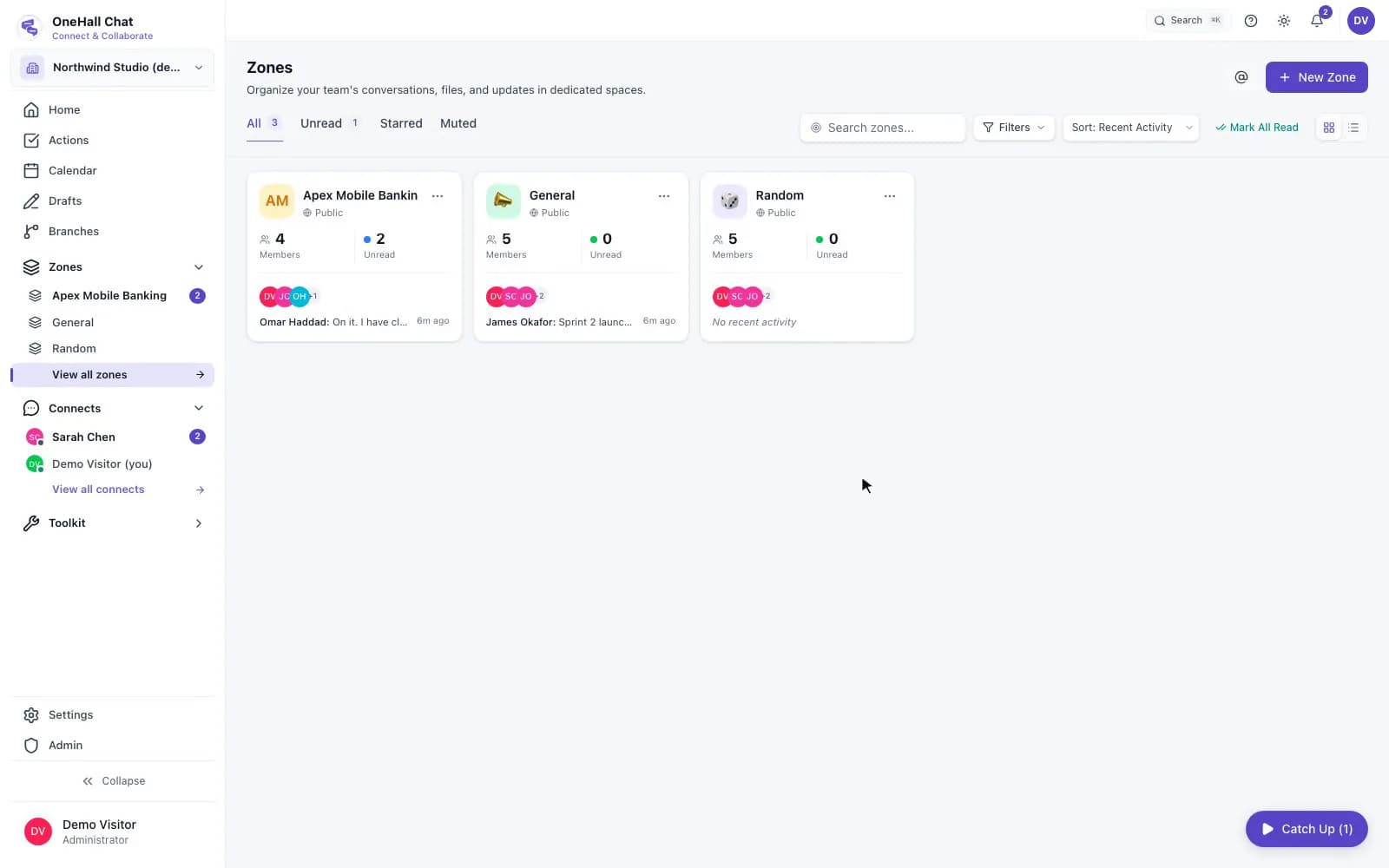
The project has its own zone, made when the project was

Sample data, recorded in the OneHall demo sandbox · 7.5s · no sound
What happens in this demo

The Zones screen lists a zone named after the project, Apex Mobile Banking, beside General and Random. Opening it shows the project team talking in it, and its header carries the project: the project’s name, its running sprint, and how many tickets are still open. Its member list is the project’s member list.

A receipt should be typed in once, by the person holding it.

An expense against a project

A claim made in OneHall People ends up in the books and on the project it was for.

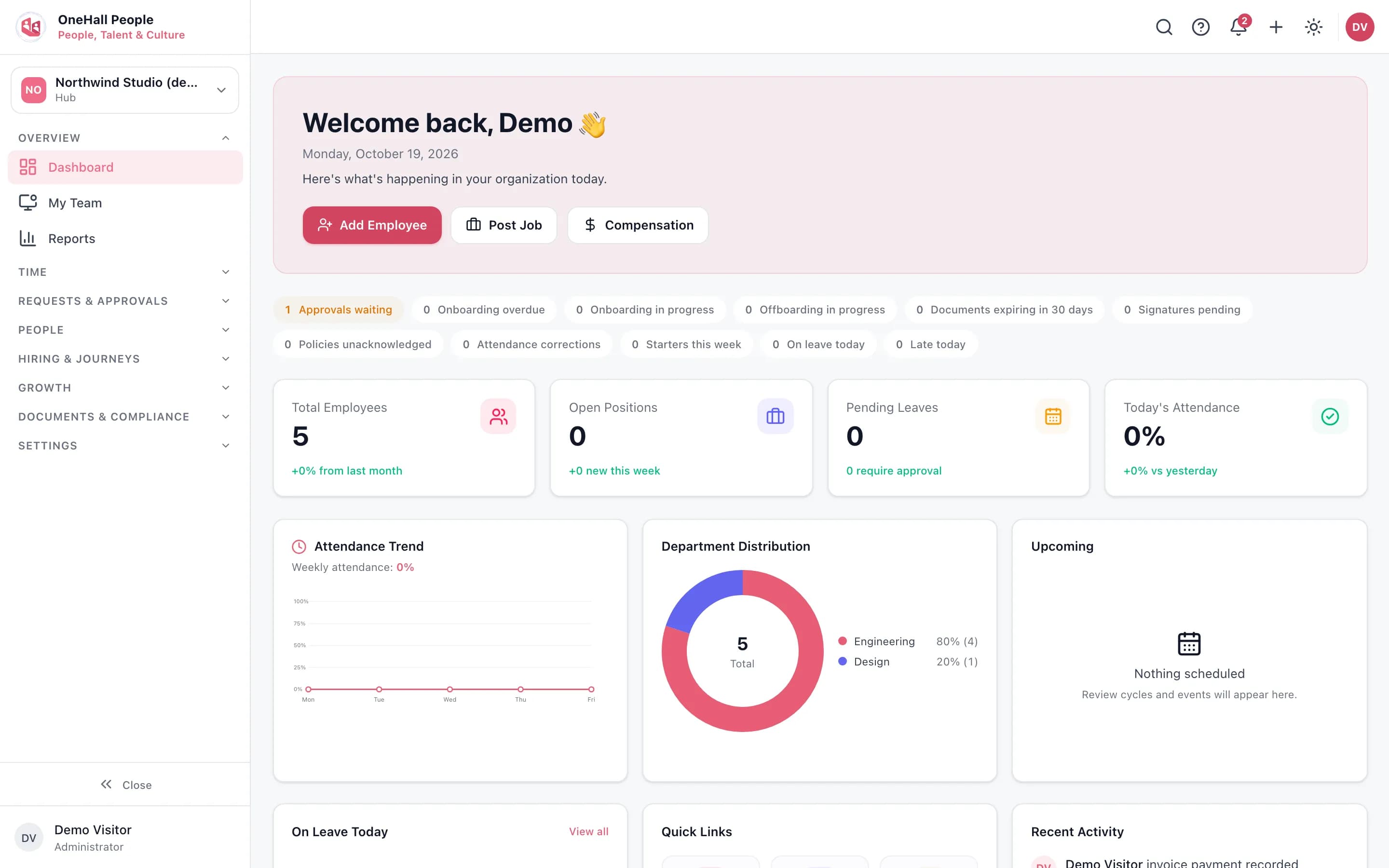
OneHall People dashboard with its counters for approvals, onboarding and offboarding
Sample data, captured in the OneHall demo sandbox.

The last day should not leave a login open or a ticket orphaned.

Someone’s leaving

Offboarding ends access in every product and passes open tickets to a named person.

OneHall People dashboard with its counters for approvals, onboarding and offboarding
Sample data, captured in the OneHall demo sandbox.

Ten minutes to know what needs you, across everything.

A manager’s morning

Counts in the Hub, decisions in OneHall People, the sprint in OneHall Projects.

The Hub counts what is waiting on you in each product

Sample data, recorded in the OneHall demo sandbox · 8.7s · no sound
What happens in this demo

The Hub dashboard shows a card for OneHall Chat, OneHall People, OneHall Projects and OneHall Finance, each with a count of what is waiting on you in it. Open OneHall People is pressed and OneHall People loads, already signed in.

Built for teams like yours

Find your team, or your job, and see what it changes.

These are use cases, not endorsements: for each kind of team and each role, the two or three workflows that matter most and the products that carry them.

Set your company up this afternoon.

Sign-up asks for your company, the plan, and who to invite, then builds the account: first zones, first project, leave types, currency. You have 14 days before anything is charged.